Creating an offline music library on a budget.
 The AKG K701: still iconic, still polarizing.
The Streaming Era and Music Discovery
It’s 2025, and we’re living in a world where you can listen to virtually any album you want for a flat monthly fee. It’s a miracle for music discovery—YouTube’s algorithm led me to bands like Mass of the Fermenting Dregs or Kurayamisaka, while indie artists have never had it so good.
So why bother with the hassle of an offline music library? Because streaming, for all its convenience, is a house of cards.
The Flaws of the Streaming Empire
This whole setup would’ve been a dream come true for any audiophile in the ‘90s… but is it really?
First, there’s the audio quality. YouTube’s compression (AAC at ~128–160kbps) kills dynamic range, and while Spotify’s Ogg Vorbis at 320kbps is better, it’s still lossy. Sure, Apple Music and Tidal offer lossless and hi-res, but everything else is a mess. Spotify’s algorithms are great, but the platform’s reliability? Not so much. Licensing deals cause albums to vanish overnight, and discographies get rearranged by “remasters.” It’s a digital wilderness where your favorite music can disappear without a trace.
And don’t even get me started on the apps. Apple’s Android and Windows apps are frustrating to use, and Tidal’s MQA debacle was a train wreck. After they started adding AI-generated clutter to my playlists, I canceled my subscription.
Why Bother?
So, why go through the effort of building a local library? For me, it boils down to four things:
- Actual Ownership, No Nonsense: A FLAC file is yours. Period. No licensing disputes, no weird “remasters,” and no disappearing albums.
- Hear It as They Meant It: Lossless files give you the closest thing to the studio master. No more puffy bass or crushed treble unless the original mastering was bad (ahem, …And Justice for All).
- Intentional Listening: A DAP (Digital Audio Player) helps you disconnect. No Discord pings or social media notifications. It’s just you and the music, like the old days but with better tech.
- The Unstreamable & The Rare: So much amazing music—from obscure indie bands (Satellite Lovers, looking at you) to Japanese deep cuts (Number Girl)—never makes it to streaming. Your curated collection becomes a sanctuary for these gems.
TLDR
- Player: Any smartphone (LGs perform well) or budget DAP (HiBy/FiiO).
- DAC: Dongle like HiBy/FiiO/AudioQuest if your device lacks a headphone jack.
- IEMs: Budget-friendly options from TRUTHEAR, Moondrop, CrinEar, etc.
- Music Files: FLACs/WAVs/ALACs.
- Tagging Software: MusicBrainz Picard or AutomaTag.
- Playback App: UAPP or Poweramp.
Getting Started: Building Your Offline Sanctuary
Ready to build your own collection? You don’t need to break the bank.
The Hardware: Your Player & IEMs
DAPs are specialized devices that offer superior audio circuitry and powerful headphone amps. If you’re on a budget, look for an older LG smartphone like the G8 ThinQ on eBay. I snagged one for $60. Or, grab a budget-friendly dongle DAC like the HiBy FC4 to improve your phone’s sound.
For a dedicated player, check out brands like HiBy or FiiO. The HiBy M300 and R3 II are great entry points for under $200. I personally use a HiBy R4 x Evangelion and love it.
As for IEMs, I swear by the Moondrop x Crinacle Dusks. For headphones, the Sennheiser HD 6xx or Beyerdynamic DT 770 Pro are classic choices. Remember: wired is king.
While you could dive deeper into audio bit rate, sampling rate, THD, noise floor, and SNR, don’t obsess when you are getting started with hi-res audio. The basics:
- Bit-depth affects dynamic range.
- Sampling rate affects frequency response. More isn’t always better—the quality of the mastering matters most.
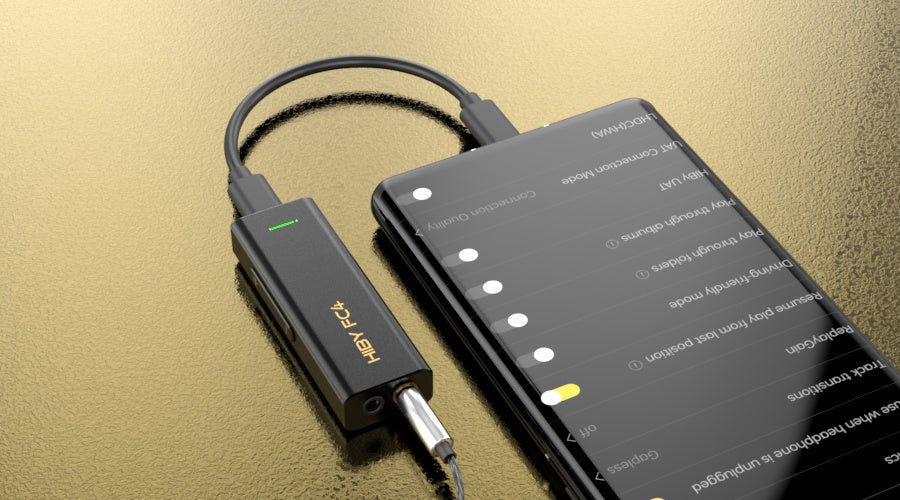 HiBy FC4
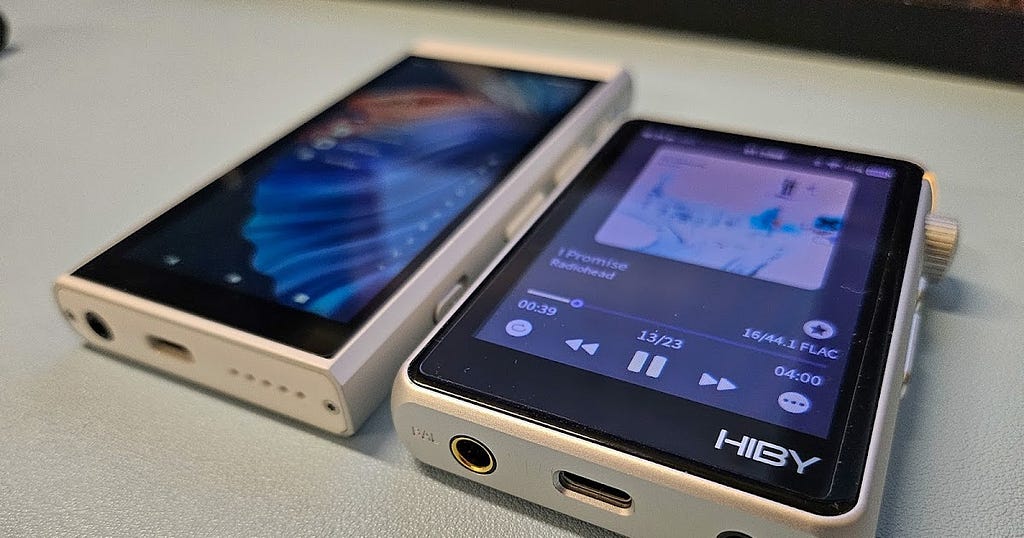 HiBy M300 and the R3 II
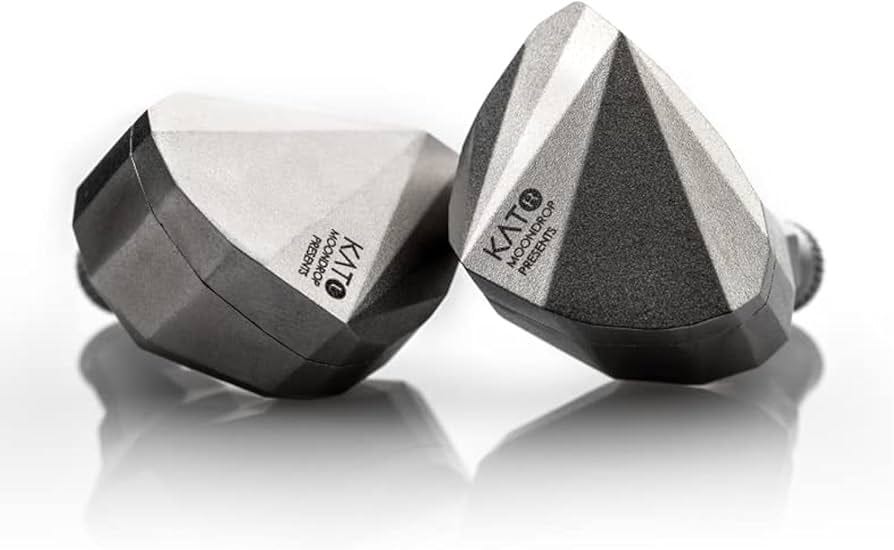 Moondrop Katos
The Software: Your Library & Player
Start building your library with FLACs (Free Lossless Audio Codec). My preferred sources are:
- Bandcamp (My top choice)
- HDTracks / Qobuz / 7digital
- Ripping your own CDs
- Buying lossless files from services that support it
- Soulseek: useful for finding obscure releases that are hard to buy or stream.
To manage your files, use MusicBrainz Picard to automatically tag everything with metadata. On Android, I use UAPP (USB Audio Player PRO) for bit-perfect playback, as it bypasses Android’s default resampling.
The stock HiBy and FiiO music players are solid and come pre-installed on their DAPs. If their UI/UX drives you up the wall, Poweramp is a great alternative. If you care about resampling and bit-perfect playback, I recommend UAPP (USB Audio Player PRO), which bypasses Android’s default resampling behavior.
Managing Your FLAC Library
Once you have your FLACs, tag them with metadata. I use MusicBrainz Picard on Linux (binaries are available for macOS and Windows). Then move your music to your DAP’s internal memory or an SD card. Use AutomaTag on Android for on-the-go tag editing. Lastly, always keep backups. Set up regular backups or use SyncThing to keep everything synced.
Final Thoughts
Building an offline music library is a way to reclaim ownership and rediscover the joy of intentional listening. It separates your music from the planned obsolescence and licensing nightmares of the streaming world.
As a newcomer to this world, this isn’t a technical review. It’s mostly me thinking out loud about media ownership. If you have money to burn, you could explore higher-end gear and software like Roon.
Cheers!
Update: HiBy R3 Pro Saber and R4 x Evangelion Impressions
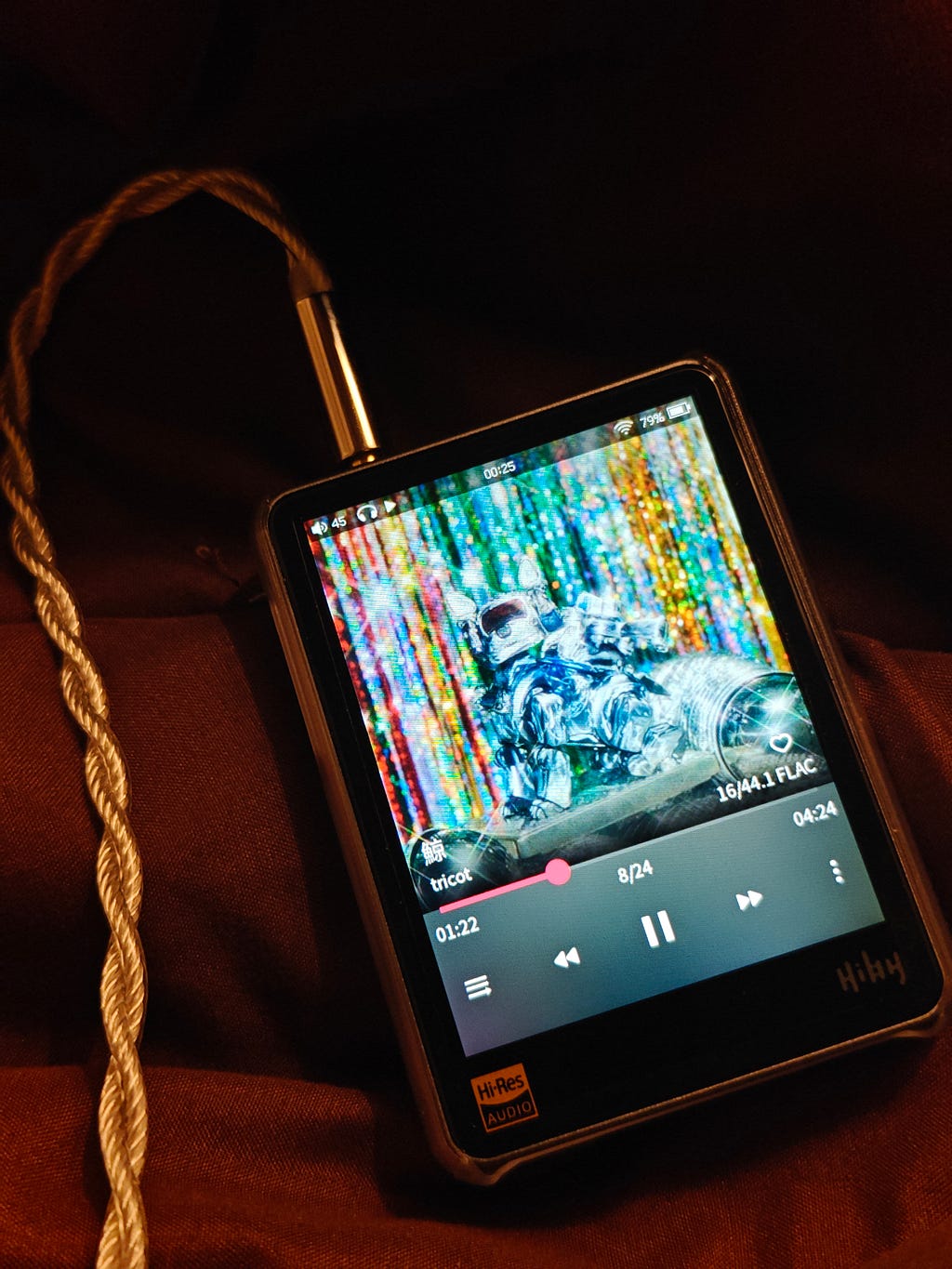 A compact offline setup for rediscovering albums intentionally.
The HiBy R3 Pro Saber absolutely cooks. With its premium glass build and pocket-friendly size, it’s a great little player. The UI is surprisingly decent for a budget DAP, and its battery life with offline playback is rock solid. Streaming, however, is a different story—I saw quick battery drain and stutters. I eventually sold it to get the Android-powered R4 x Evangelion, which handles streaming perfectly but has worse battery life.
Acoustically, I couldn’t tell a difference. Both deliver clean mids, tight bass, and no hiss. Neither was a huge leap in soundstage over my LG, but the balanced output on both is a huge win for more demanding gear.
Each player has a weird quirk: the R3 Pro Saber can bootloop on certain Unicode characters in folder names, while the R4 goes into emergency mode if I boot it up with my Moondrop Dusks already plugged in.